


Marketing campaigns and product launches create short, intense traffic spikes that expose weaknesses in websites faster than any routine day-to-day usage. This article explains how to prepare a website for those spikes using a practical load testing checklist focused on real campaign conditions.
When a campaign drives traffic beyond what the infrastructure can handle, slowdowns and errors follow, which directly reduce conversions and waste paid media budget.
In this guide, marketing managers, product teams, and technical leads will learn how to plan, run, and interpret website load tests specifically for campaign and launch scenarios. The article covers traffic modeling, environment setup, key performance metrics, test execution, and post-test actions, with examples drawn from real projects. It does not cover general functional QA, UI testing, or long-term performance optimization unrelated to launch events.
Throughout the article, the term load testing refers to controlled simulations of expected and peak campaign traffic applied to production-like environments.
Why Campaign Traffic Breaks Websites Differently
Campaign traffic behaves differently from organic or steady-state usage. It is concentrated in time, highly directional, and heavily skewed toward a small number of entry points. A paid campaign may send tens or hundreds of thousands of users to a single landing page within minutes, with a significant portion attempting the same action — filling a form, checking pricing, starting checkout, or signing up.
From a technical perspective, this pattern exposes weaknesses that may never surface under normal usage. Caches that work well for distributed traffic may collapse when requests converge on the same endpoints. Autoscaling systems may react too slowly. Third-party scripts may block rendering. Databases may struggle with bursts of writes rather than reads.
In our experience, campaign failures rarely present as full outages. Much more often, the website stays online while critical user actions degrade. Pages load slowly but do load. Buttons respond inconsistently. Forms submit intermittently. Analytics tracking drops events. Marketing teams continue spending while the funnel silently leaks.
Load testing allows teams to surface these behaviors before real users encounter them.
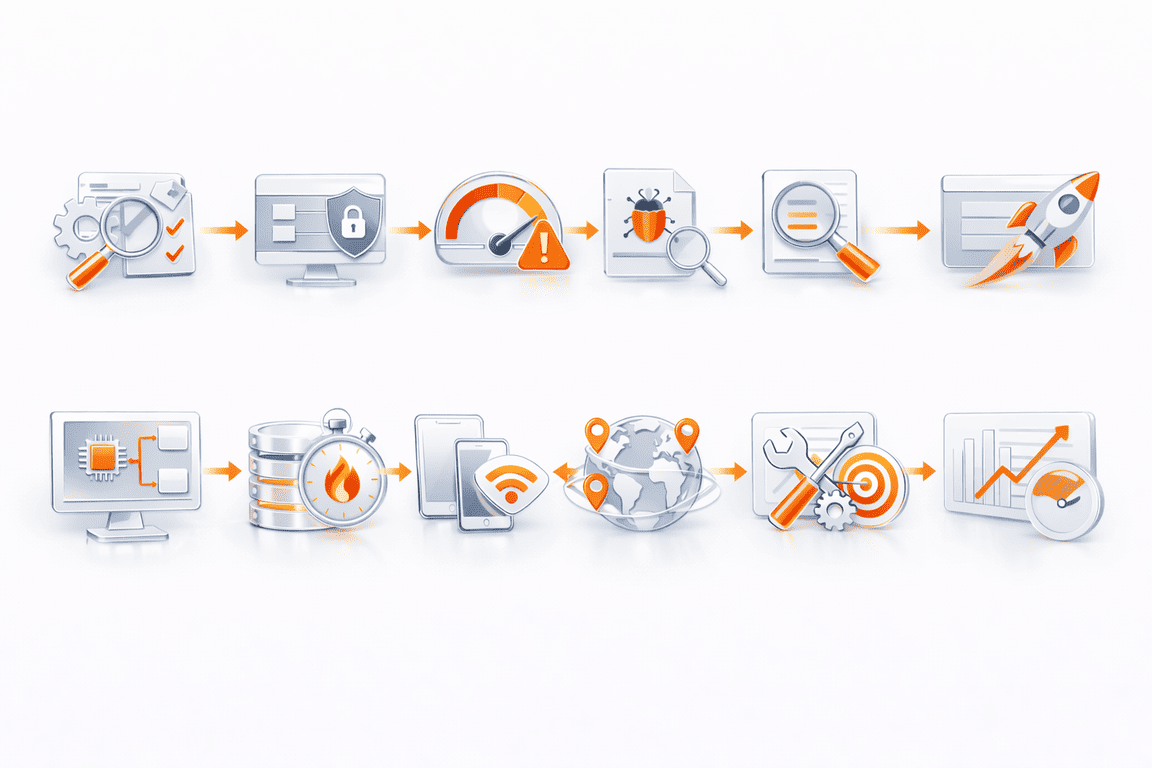
Your Website Load Testing Checklist: 11 Steps
Step 1: Define the campaign traffic profile clearly
Every useful load test starts with explicit assumptions. Vague expectations such as “we expect high traffic” produce results that are difficult to interpret or act on.
A campaign traffic profile should answer the following:
- What channels are driving traffic (paid search, social ads, email, affiliates, influencers)?
- What pages receive the first interaction?
- What percentage of users proceed beyond the first page?
- Which actions define success for the campaign?
- How quickly does traffic ramp up after launch?
- How long does peak traffic persist?
For example,
a product launch tied to a press embargo often produces a sharp spike within the first 10–30 minutes. A paid media campaign may ramp more gradually but sustain load for hours or days. These differences matter when designing tests.
Our previous projects show that teams often misjudge ramp-up speed. They plan for peak volume but underestimate how quickly that peak arrives. Load testing scenarios that include aggressive ramp phases tend to reveal scaling and queuing issues earlier.
Step 2: Identify critical user journeys
Campaign success depends on a small number of user journeys. Load testing everything equally dilutes insight.
Common campaign-critical flows include:
- Landing page view and render
- Form completion and submission
- Account creation
- Add-to-cart and checkout
- Payment confirmation
- Post-conversion redirects and tracking events
Each journey should be mapped end-to-end, including backend APIs, frontend rendering, third-party calls, and analytics events.
In several campaign audits we’ve conducted, the highest error rates appeared after the primary conversion action, not before it. Payments succeeded, but confirmation pages timed out. Users completed forms, but thank-you pages failed to load. From a marketing perspective, those failures damage trust even if the conversion technically occurred.
Load tests should reflect full journeys, not isolated requests.
Step 3: Set realistic load targets and safety margins
Load targets define what “prepared” means. Without clear thresholds, test results lack context.
A practical approach includes three levels:
- Baseline load
Current peak traffic under normal conditions. - Expected campaign load
Forecasted peak during the campaign or launch window. - Stress buffer
Additional load used to observe degradation behavior and failure points.
Targets should be expressed in measurable terms:
- Concurrent users
- Requests per second
- Transactions per minute for critical flows
In our experience, percentile response times often tell a more accurate story than averages. A system may report acceptable average latency while a significant portion of users experience delays that break intent.
Step 4: Prepare a production-like test environment
Environment mismatch is one of the most common reasons load tests fail to predict real outcomes.
A credible test environment mirrors production across:
- Application versions
- Infrastructure topology
- Autoscaling rules
- CDN configuration
- Database size and indexing
- Cache layers
- Authentication and session handling
Testing against simplified staging environments hides bottlenecks that only appear with real data volumes and traffic shapes.
When direct production testing is necessary, traffic isolation, rate limiting, and coordination with marketing teams become essential. Several teams we’ve worked with schedule controlled test windows outside peak hours to validate production behavior safely.
Step 5: Model realistic user behavior
Synthetic traffic that sends identical requests at fixed intervals does not represent campaign traffic.
Realistic load testing includes:
- Variable think times between actions
- Uneven distribution of users across journeys
- Drop-off at different stages
- Session reuse and retries
- Geographic variation where applicable
For paid campaigns,
the majority of users often bounce after the first interaction. Load models should reflect this rather than assuming every user completes every step.
Our team has seen tests fail to surface issues simply because user behavior was too uniform. Introducing randomness into pacing and flow selection often exposes contention and queue buildup that deterministic scripts miss.
Step 6: Account for third-party dependencies
Modern campaign pages depend on multiple external services:
- Tag managers and analytics
- A/B testing platforms
- Payment gateways
- CAPTCHA services
- Recommendation widgets
- Chat and support tools
Third-party performance frequently degrades under load, even when internal systems remain healthy. A slow analytics script can delay rendering. A blocked payment call can stall checkout. A failing tracking pixel can break conversion attribution.
Where possible, load tests should include third-party calls. When that is not feasible, monitoring their response times during tests still provides useful context.
In past projects, frontend performance issues traced back to blocked third-party JavaScript rather than backend limitations. Without including those dependencies in testing, the root cause would have remained invisible.
Step 7: Track metrics that reflect user experience and business impact
Raw throughput metrics alone do not indicate readiness.
Campaign-focused load testing should monitor:
Backend metrics
- Throughput and concurrency
- Error rates by endpoint
- Response time percentiles
- CPU, memory, and database utilization
- Queue depths and saturation signals
Frontend metrics
- Time to First Byte (TTFB)
- Largest Contentful Paint (LCP)
- Time to Interactive
- JavaScript error rates
- Form submission completion time
Business-critical signals
- Conversion flow completion rate under load
- Failed submissions or payments
- Timeout frequency at key steps
In our experience, frontend timing metrics often degrade before backend thresholds are breached. That early signal allows teams to act before users notice.
Step 8: Execute multiple test scenarios
One test run rarely provides enough insight.
Useful scenarios include:
- Gradual ramp to expected peak
- Sudden spike to simulate press or viral exposure
- Sustained peak to observe resource exhaustion
- Recovery tests after load drops
- Autoscaling trigger validation
Campaign launches often fail due to delayed scaling rather than insufficient capacity. Spike tests reveal whether scaling reacts quickly enough to protect user experience.
Step 9: Interpret results with operational context
Load test results are diagnostic, not binary.
Key questions to answer:
- At what load does latency begin to rise noticeably?
- Which components saturate first?
- Do failures cascade or remain isolated?
- How does the system recover after load subsides?
- Are errors visible to users or silent?
Our team often documents two thresholds:
- The degradation point, where user experience begins to suffer
- The failure point, where functionality breaks
The gap between them defines operational headroom.
Step 10: Apply fixes and retest deliberately
Test results should translate into specific actions:
- Infrastructure tuning
- Database query optimization
- Cache strategy adjustments
- CDN rule changes
- Script deferral or removal
- Autoscaling policy updates
Each change should be validated through retesting using the same scenarios. Reusing consistent test profiles allows teams to measure progress objectively.
Step 11: Monitor actively during the live campaign
Preparation does not end when the campaign goes live.
Before launch, ensure:
- Performance alerts are configured
- Dashboards reflect campaign-specific KPIs
- On-call responsibilities are defined
- Rollback or throttling options exist
Several campaigns we’ve supported avoided escalation because early warning signs matched behaviors observed during testing. Familiarity with baseline performance makes anomalies easier to recognize.
Tools Used in Campaign Load Testing
Campaign-focused testing typically combines:
- Scripted load generation for backend flows
- Browser-level testing for landing pages
- Synthetic monitoring for live validation
Platforms such as PFLB are often used when teams need to simulate high-concurrency scenarios with realistic user behavior while maintaining visibility into both backend and frontend metrics. In practice, tooling effectiveness depends less on brand and more on how well scenarios reflect campaign reality.
Common Mistakes in Campaign Load Testing
Across multiple projects, the same issues appear repeatedly:
- Testing too late in the campaign timeline
- Ignoring frontend performance under load
- Treating averages as success indicators
- Excluding third-party services
- Over-testing low-impact pages
- Underestimating ramp-up speed
Avoiding these mistakes usually requires closer collaboration between marketing, product, and engineering teams than organizations expect.
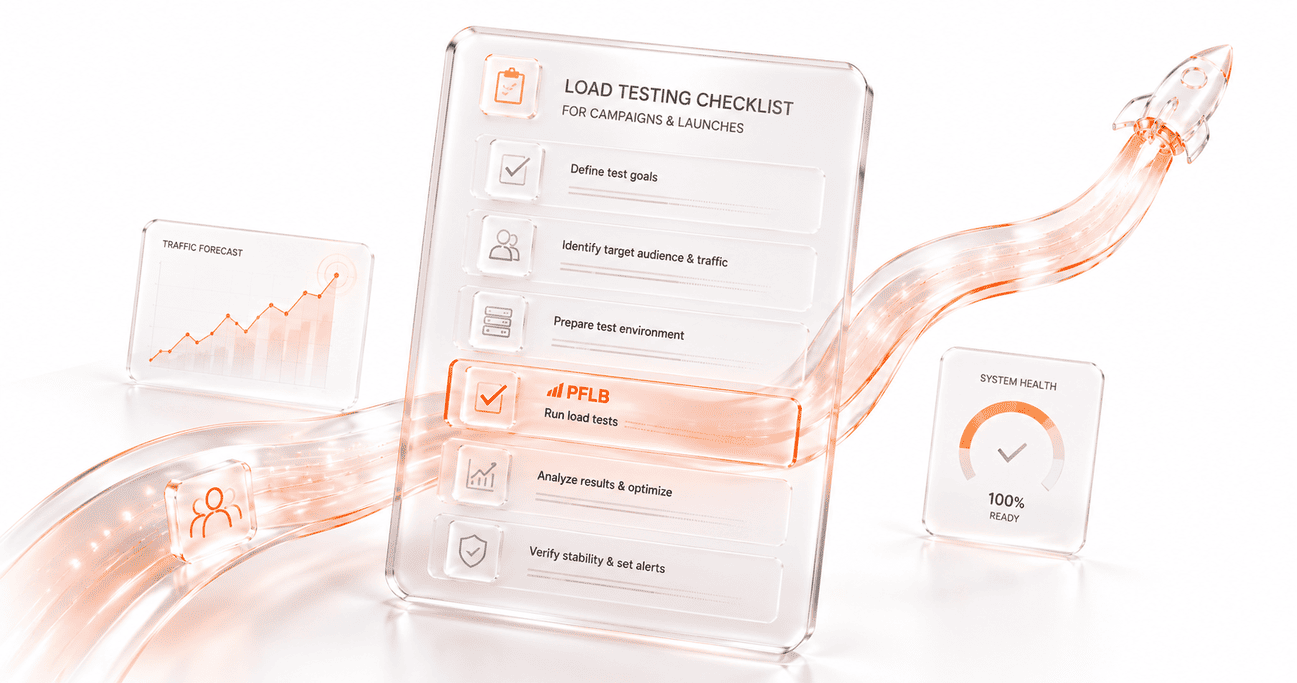
Final Checklist for Campaign and Launch Readiness
Before launch, confirm that:
- Campaign traffic assumptions are documented
- Critical user journeys are defined
- Load targets include safety margins
- Test environments reflect production reality
- User behavior is modeled realistically
- Third-party dependencies are considered
- Metrics reflect user experience and conversions
- Scaling behavior is validated
- Fixes are retested
- Monitoring is ready for launch day
Load testing does not eliminate risk. It replaces guesswork with evidence and gives teams time to act before reputation and budget are on the line.