


According to Forbes, 72% of businesses now possess a website or a web application. If you’re among them, this means that your brand perception, a stable influx of customers, and revenue generation are heavily dependent on your software. And if this software stalls or degrades, your business operations do, too.
As users flood into your website from different devices, networks, and even time zones, they expect your system to be up and running 24/7/365 — without any slowdowns, page freezes, or unresponsive forms. Otherwise, they’ll quit in mere seconds, turning the application into a budget-draining liability.
When website operation directly affects brand image, customer trust, and overall income, web application performance testing acts as a rescue, validating the real-world behavior of your software, not just synthetic traffic. In the end, it ensures that your digital application is highly responsive under normal and peak loads, offers consistent back-end performance, and scales inherently.
This article provides a clear 10-step roadmap for an effective and stress-free web application performance testing process, so you can confidently plan, run, and optimize tests for actual use.
Step 1 – Integrate Performance Testing Early

Performance testing is undoubtedly beneficial, but it can deliver yet greater outcomes once integrated from the very beginning of your SDLC. This so-called shift-left testing approach is critical not only for technical teams but also for businesses. It helps the former identify and prevent potential bottlenecks from cascading through development stages and building up as technical debt. For the latter, it guarantees fewer costs, faster time-to-market, and more contented users.
To squeeze the maximum value out of performance validation, plan it from the initial business analysis stage all the way through deployment, engaging various members of cross-functional departments: business analysts, product managers, software developers, DevOps engineers, and others. Additionally, elicit the most important performance criteria — speed, reliability, or capacity — that will contribute to the accomplishment of your individual business goals and meet critical SLAs like 99.9% uptime.
Step 2 – Understand Your Application and User Journeys
Knowing the bowels of your web application — its architecture, server and client sides, databases, and APIs — as well as how users interact with it, is the springboard for its longevity and your business success. Performance testing services provided by experienced niche players can help you gain actual insights into how your system behaves under adequate and peak load conditions and which improvements it may need.
If you’re puzzled by how to run performance tests for web apps effectively, here’s some practical advice from PFLB:
- Start by mapping out critical user journeys and the steps your website visitors are likely to take. Understanding a typical user flow — from browsing to checkout — will assist you in designing performance test scenarios that expose hidden vulnerabilities and save businesses from lost revenue and frustrated customers. Based on clear user journeys, it’s easy to simulate real-world traffic, making sure that core actions remain intact as engagement soars. For example, when helping Tinder test its platform, we relied on well-defined user flows, which ensured that swiping, matching, and messaging worked smoothly even under heavy concurrency.
- Analyze user behavior, current server and database logs, and the integration with external services to identify high-traffic pages, key API endpoints, important database interactions, and third-party dependencies.
- Implement browser developer and tracing tools, including Chrome DevTools and OpenTelemetry. This will allow you to track all the requests your application relays and the related responses it receives, providing technical specialists with the required data to catch invisible issues and optimize the performance of your web solution.

Step 3 – Define Performance Objectives and Metrics
No two businesses are the same. All of them have different purposes, audiences, missions, and goals. To ensure web app load testing goes beyond the expected outcomes, it must reflect your specific requirements and align with the established performance objectives, expressed through SLAs and measured by relevant metrics and KPIs.
When selecting appropriate performance indicators, focus on those that directly impact system health and UX. The key ones to monitor include CPU and memory usage, response time thresholds, acceptable error rates, net promoter scores, throughput, concurrent user targets, p95/ p99 latencies, and resource utilization.
By establishing clear goals and expectations from the outset of performance testing, and thanks to our support in setting up test environments and preparing performance testing scripts, one of our clients in the BFSI industry increased load capacity by 450%.
Step 4 – Establish a Baseline and Benchmarks
One more essential item on our performance testing checklist is assessing current system performance under stable conditions through baseline checks and relevant benchmarks.
Baseline tests not only gauge how your web application is currently performing but also allow for tracking whether the applied improvements took on. For maximum efficiency, we recommend that you run these tests on critical user journeys and compare the results with your performance objectives and KPIs. This will help uncover existing gaps, prioritize optimizations, and confirm that your website fully aligns with what exactly your business expects from the software.
Note that baseline application load testing must be conducted in stable testing environments for accurate and adequate results. Once this is in place, carefully document key findings and capture relevant metrics, establishing new benchmarks for future performance testing cycles and continuous improvement.
Step 5 – Design Realistic Test Scenarios
Web application performance testing steps involve designing performance test scenarios.
To create test cases that mirror normal, peak, and extreme loads, determine how your users behave during real interactions, the amount of data they generate, and the key paths they take. Next, assign realistic weights to their actions based on the observed usage patterns. For example, 60% of your website visitors might browse content, 25% view pages, 10% interact with key features, and 5% make purchases.
In our experience,
including edge cases into your testing pipeline, such as error conditions, form submissions, and search queries, helps unearth rare issues; and simulating diverse geographies and network conditions like low bandwidth makes your web solution up and running for all users worldwide.
Step 6 – Select Suitable Loading Testing Tools (JMeter, Gatling, Locust) and Prepare the Test Environment
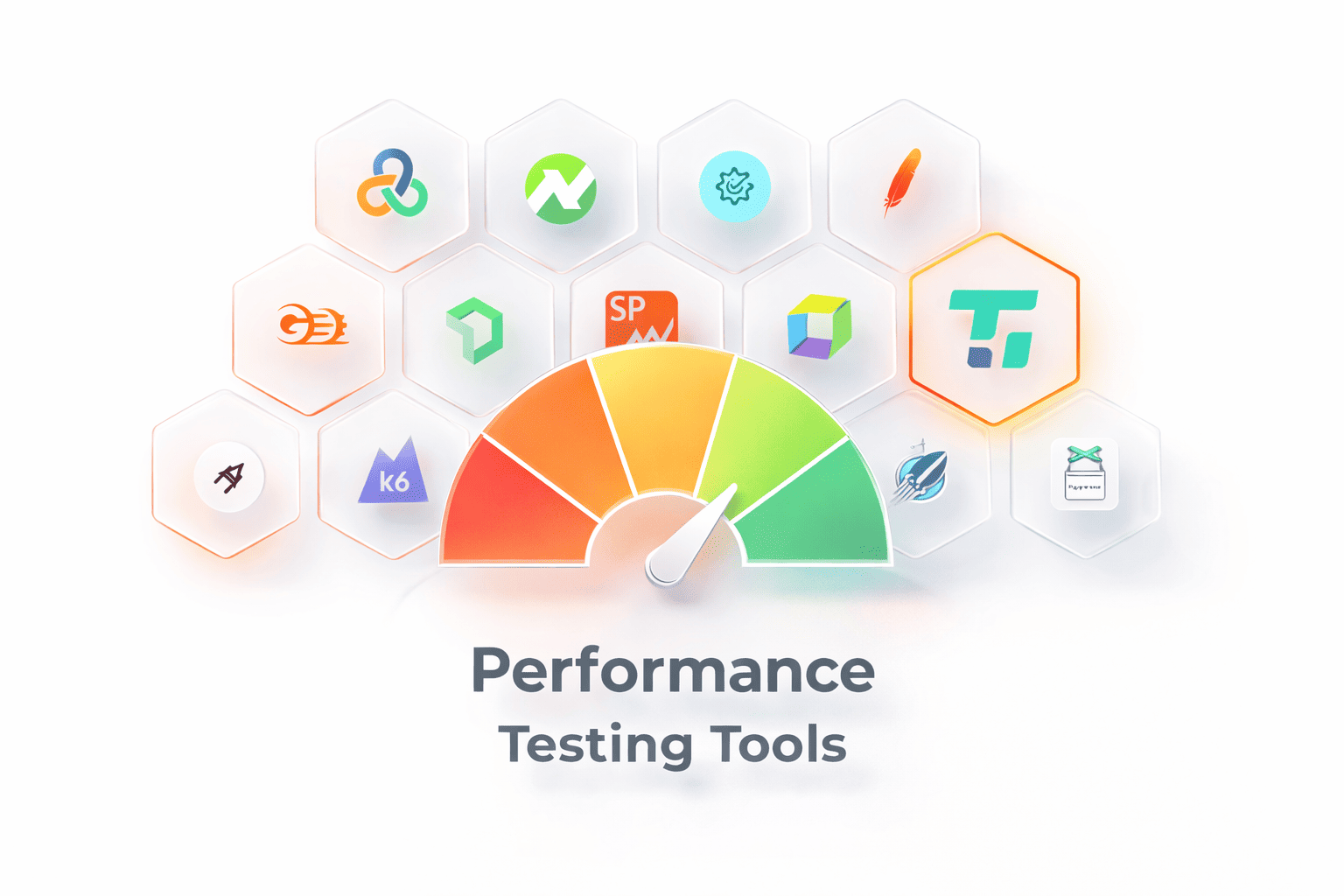
Load testing tools (JMeter, Gatling, Locust) and appropriately setting up test environments are of no less importance if you’ve been thinking about how to run performance tests for web apps successfully.
To end up with the right load testing tools (JMeter, Gatling, Locust, or k6) for your project, consider factors, including protocol support, CI/CD integration, reporting features, and scripting capabilities. And if you want to obtain accurate and realistic test results, create a test environment that closely mirrors production in hardware, software, and network infrastructure. This will help avoid unpredictable business downtime, user churn, and the loss of income.
Implementing containerization with Docker and infrastructure‑as‑code practices will allow you to quickly launch reusable test environments that precisely reflect your web application, making it easier to handle, troubleshoot, and scale.
Step 7 – Generate Test Data and Write Scripts
Meaningful performance tests are impossible without realistic test data, such as user accounts, product catalogs, order details, and transactions. To avoid caching effects, data collisions, and false positives that can all distort end results, this data must be unique and immutable.
Once sample datasets have been prepared, it’s time to write performance testing scripts using specialized tools like JMeter or Locust. Such instruments model user actions, define request sequences, control ramp-up and test duration, and validate responses through assertions. Parameterization can help you vary input information and keep independent user sessions, delivering precise performance results. Here’s a simple example of creating performance testing scripts using JMeter:
- Open JMeter and create a Test Plan
- Add a Thread Group to represent your virtual users:
- Set number of users (10)
- Ramp-up period 5 seconds)
- Loop count (3 times)
- Add an HTTP Request Sampler to define the action each user performs:
- Server Name:
example.com - Path:
/products - Method:
GET
- Server Name:
- Add a Listener to see the results:
- Example: “View Results Tree” or “Summary Report”
- Run the test: JMeter simulates 10 users visiting
/products3 times each and records response times, errors, and throughput.
Step 8 – Run Tests and Monitor System Behavior
Once you’ve completed the above-mentioned steps, it’s time to initiate performance testing with dry runs to verify that designing performance test scenarios and setting up test environments were successful. Gradually ramp up the load and traffic to see how your web application handles increasing demand.
While the tests are running, monitor application metrics like error rates and response times, and track how system resources — CPU, network, disk, and memory — are used. To gain real-time insights into your web application behavior, integrate APM tools or built-in monitors that will help detect issues like thread pool exhaustion, garbage collection problems, database locks, third-party timeouts, and others.
Continuous monitoring and analyzing performance tests is the next step in our performance testing checklist.
Step 9 – Analyze Results and Identify Bottlenecks
After test execution, analyze the obtained results to identify existing system vulnerabilities and patch them. By diving into response time distributions, throughput trends, resource utilization graphs, and error logs, you can assess how your web solution behaves under real stress. If you observe spikes in metrics, conduct a root-cause analysis using profiling tools and log aggregation to correlate the spikes with specific code paths, infrastructure limitations, or database queries.
Based on our hands-on experience from previous projects, performance issues often reside in application logic, database design, configuration settings, or external services, so meticulously monitoring and analyzing performance tests is crucial.
Step 10 – Optimize, Retest, and Plan for Scalability
The final but no less significant point on our performance testing checklist is refining your web application. You can address the identified issues by refactoring erroneous code, tuning database queries, adding caching layers, optimizing configurations, removing redundant third-party scripts, or scaling your infrastructure.
Upon fixing all issues, rerunning, monitoring, and analyzing performance tests will confirm that the changes have been implemented correctly and can yield measurable gains in speed, stability, and resource efficiency.
Remember that performance checks aren’t a one-off activity but rather an iterative process that helps catch emerging issues even after deployment and prepare your web application for greater demand.
Conclusion
How to run performance tests for web apps successfully is rather complex technical work that requires a structured approach, strategic planning, and specialized expertise in relevant methodologies and tools.
The ten steps outlined in this web application performance testing guide reveal the key activities that teams typically execute to deliver fast, secure, and resilient solutions.
If you’d like your web application to operate consistently across any country, user, or time zone, it’s always best to partner with experienced players like PFLB. Outsource application load testing services today for more robust systems tomorrow.