


Modern software handles far more than page views. APIs, microservices, background jobs, and integrations all compete for resources at the same time. Under real traffic, even small delays can turn into system-wide slowdowns.
This is why application load testing is so important. It reveals how an application behaves when many users or systems interact with it simultaneously, way long before those issues reach production.
Let’s find out what application load testing really is, how it works, and why modern teams rely on it to avoid outages, slowdowns, and costly surprises.
What Is Application Load Testing?
Application load testing measures how a system performs when it processes many operations at the same time. Instead of validating whether features work, it focuses on performance characteristics such as response time, throughput, and system stability under concurrent use.
In application-level testing, the focus is on backend behavior rather than visible pages. Tests typically target APIs handling parallel requests, microservices exchanging data, background tasks running alongside user activity, authentication flows under bursts of traffic, and databases managing sustained read and write operations. These parts of the system often interact in complex ways that cannot be evaluated through unit or functional tests alone.
The purpose of application load testing is to establish clear performance baselines and understand how the system behaves as demand increases. Teams use it to determine safe operating limits, identify which components slow down first, and observe how different services respond when resources are shared.
By recreating realistic usage patterns, load testing provides practical insight into system behavior. This information supports better architectural decisions, more accurate capacity planning, and greater confidence before software is released or scaled.
Why Modern Software Needs Load Testing More Than Ever
Modern applications operate in conditions that are hard to evaluate without realistic load. In fact, research shows that one-second delay in mobile load times can impact conversion rates by up to 20%, making performance delays a measurable business loss.
Several factors make load testing important today:
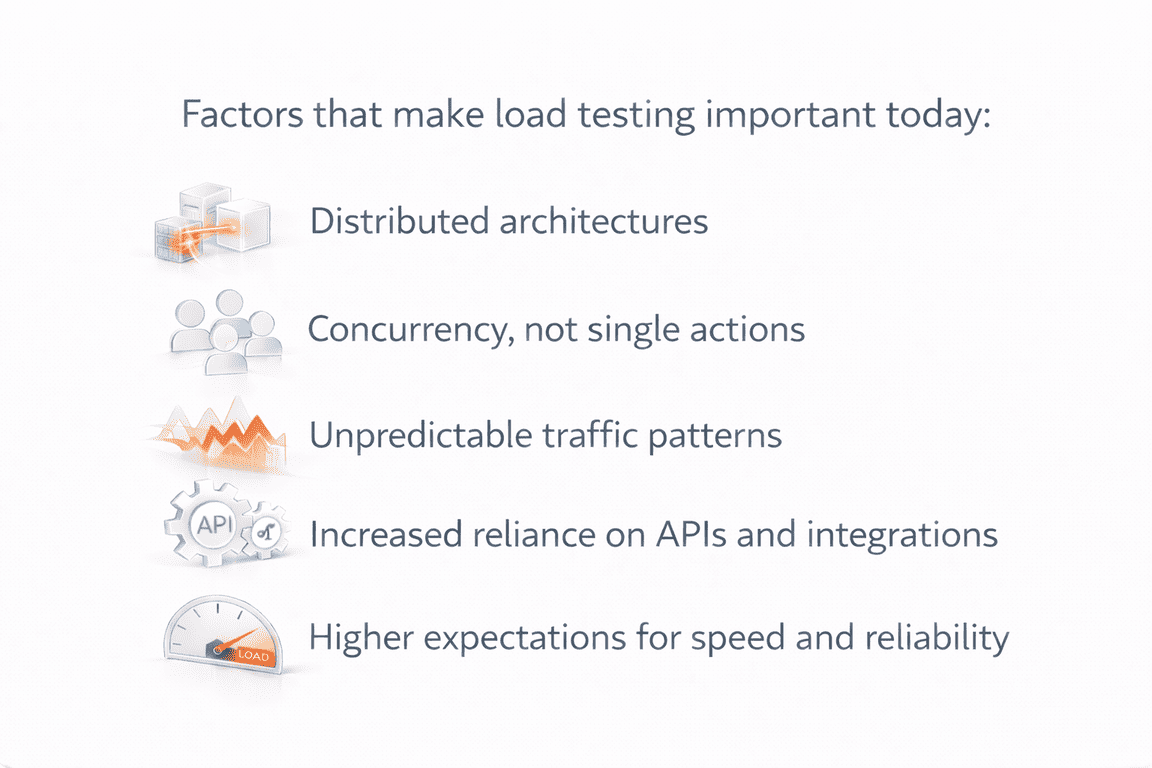
- Distributed architectures: Applications are built from many interconnected parts. APIs, microservices, queues, and databases depend on each other, so a slowdown in one area can affect the whole system.
- Concurrency, not single actions: Performance issues usually appear when many operations happen at once, not when features are tested individually.
- Unpredictable traffic patterns: Real usage includes spikes, uneven demand, overlapping jobs, and bursts of background activity that traditional testing does not simulate.
- Increased reliance on APIs and integrations: Internal services, partners, and third-party systems generate traffic that is harder to control and forecast.
- Higher expectations for speed and reliability: Users expect fast responses at all times. Small delays can quickly lead to dissatisfaction or churn.
Load testing helps teams understand how their systems behave under these conditions and prepare for them before they cause real problems.
How Application Load Testing Works
At its core, application load testing is about asking one simple question: what happens when real usage starts stacking up?
Teams begin by looking at how the application is actually used. That might be users logging in at the same time, multiple services calling the same API, or background jobs running alongside normal traffic. These actions are combined into scenarios that reflect real behavior, not isolated requests.
Load is then applied in a controlled way. Sometimes it increases gradually to see where performance starts to drop. Other times it arrives suddenly to simulate spikes or peak activity. During these tests, teams observe how the system responds, how quickly it processes requests, and which parts begin to slow down or fail.
The real value comes from interpretation. The goal is not just to see that something broke, but to understand why. Teams look for patterns, resource constraints, and dependencies that only become visible under pressure. Based on those findings, improvements are made and tested again until the system behaves predictably under expected load.
What Load Testing Reveals About Your Application
Load testing often uncovers issues that remain invisible during normal operation. As traffic increases and components interact simultaneously, weaknesses appear in areas teams rarely expect:
1. Slow API Response Times Under Concurrent Requests
APIs often perform well when tested in isolation or under light traffic. Problems start to appear when multiple requests hit the same endpoints at the same time. Under concurrency, response times can increase sharply due to shared resources, inefficient logic, or downstream dependencies that cannot keep up.
Load testing exposes how APIs behave when concurrency rises. It shows whether latency grows gradually or spikes suddenly, which endpoints degrade first, and how retries or timeouts affect overall performance. These issues are easy to miss in functional testing because individual requests still succeed.
By observing APIs under realistic load, teams can identify inefficient code paths, improve caching strategies, adjust rate limits, or redesign request flows. This helps ensure APIs remain responsive and predictable when real users or systems rely on them simultaneously.
2. Bottlenecks in Microservices and Inter-Service Communication
In distributed systems, performance rarely depends on a single service. A user request may pass through multiple microservices, each adding a small delay. On its own, that delay looks harmless. Under load, those delays stack up.
Research on distributed systems shows how sensitive service chains are to load. Studies published in ACM Queue indicate that degradation in a single microservice can increase end-to-end request latency by more than 40%, even when other services remain healthy.
When traffic increases, network latency, synchronous calls, retries, and shared dependencies can slow the entire chain. A service that responds slightly slower than expected can block others waiting on it, causing backlogs and timeouts across the system.
Application load testing makes these interactions visible. It shows how services behave when they depend on each other under pressure, and which connections become bottlenecks first. This insight helps teams redesign service boundaries, reduce synchronous calls, and improve resilience before performance issues under load reach production.
3. Database Queries That Degrade or Lock Under Load
Databases are often the first component to struggle when demand increases. Queries that run quickly with a few users can slow dramatically when many requests compete for the same data.
Application performance testing under load reveals issues such as missing indexes, inefficient joins, connection pool exhaustion, and write locks that block other operations. These problems usually stay hidden during development because test data is small and concurrency is low.
Load testing shows how databases behave when reads and writes happen at scale. It helps teams understand capacity limits, tune queries, and adjust connection handling so the application remains responsive during peak usage.

4. Memory, CPU, or Thread Pool Saturation
Some performance issues are not caused by logic errors, but by resource exhaustion. As traffic increases, memory fills up, CPU usage spikes, or thread pools become saturated.
These limits often appear suddenly. Requests start queueing, response times increase, and eventually the system becomes unstable. Without load testing, these failures usually show up for the first time in production.
By simulating realistic demand, load testing for applications helps teams observe how resources are consumed over time and identify where limits need to be raised or usage optimized.
5. Failure Cascades Caused by One Weak Component
In modern architectures, a single failing component can affect parts of the system that seem unrelated. A slow authentication service can block APIs. A delayed message queue can back up background jobs. One timeout can trigger retries that amplify load elsewhere.
Application load testing reveals these cascade effects. It shows how failures spread when traffic increases and which safeguards are missing. This insight helps teams design better isolation, fallback logic, and timeout strategies.
6. Autoscaling Gaps or Misconfigurations
Cloud platforms promise elasticity, but scaling is not always immediate or predictable. New instances may start too slowly, scale thresholds may be incorrect, or shared services may not scale at all.
Scalability testing for modern applications exposes these gaps. Load tests show whether scaling reacts fast enough, whether new instances handle traffic properly, and where manual limits still exist. This helps teams align scaling behavior with real demand instead of assumptions.
7. Differences Between Real and Synthetic Traffic
One of the biggest risks in performance testing is testing the wrong traffic patterns. Real users behave unpredictably. They retry actions, trigger background processes, and interact with the system in uneven ways.
API load testing explained through real scenarios helps teams understand these differences. Application load testing highlights where synthetic assumptions fail and where real usage creates unexpected pressure.
By testing realistic behavior, teams improve application readiness for production and reduce the risk of surprises after launch.
Real Traffic vs. Synthetic Traffic in Load Testing
| Aspect | Synthetic Traffic | Real-World Traffic |
|---|---|---|
| Request patterns | Evenly distributed and predictable | Irregular, bursty, and uneven |
| User behavior | Single, clean actions | Retries, abandoned flows, repeated requests |
| Timing between actions | Fixed or simplified delays | Variable timing and overlaps |
| Background activity | Often excluded or minimal | Runs alongside user traffic |
| Error behavior | Few retries or failures | Retries, timeouts, and partial failures |
| Data usage | Clean, limited data sets | Mixed, evolving, and sometimes inconsistent data |
| System pressure | Isolated to tested components | Spreads across services and dependencies |
| Risk of false confidence | High | Low |
How Load Testing Prevents Costly Real-World Failures
When performance issues appear in production, the impact goes far beyond slow response times. Load testing helps prevent:
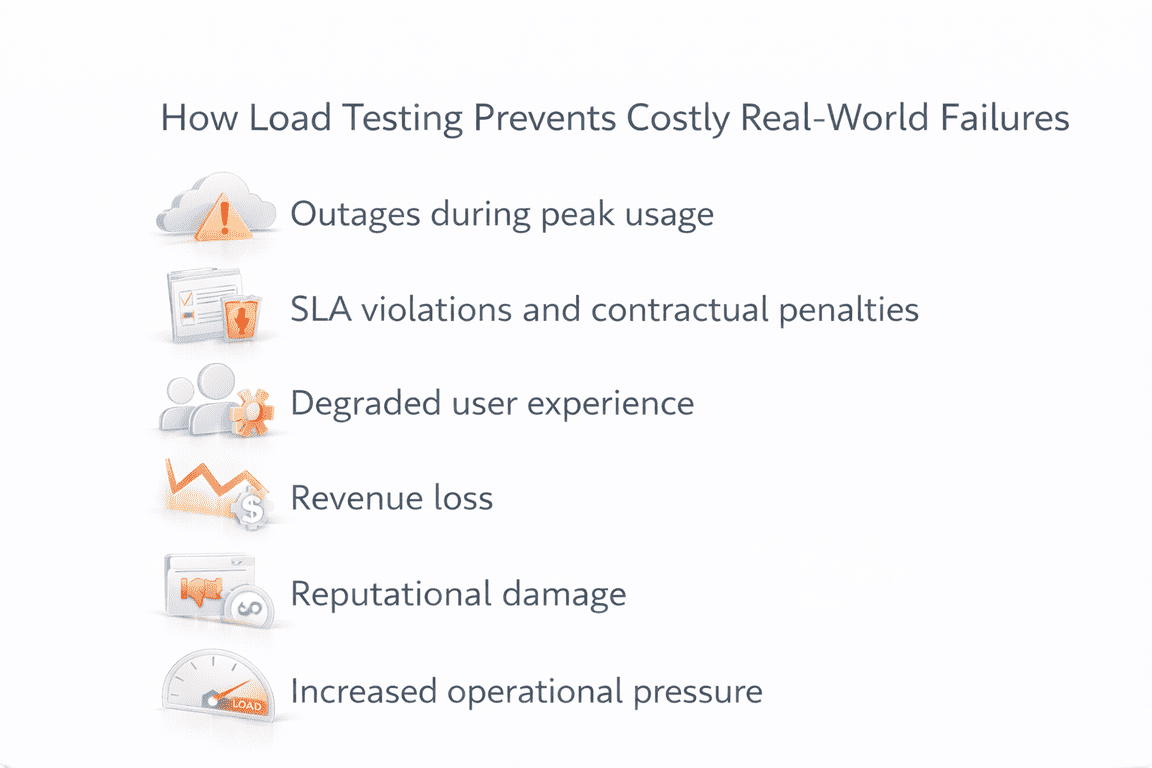
- Outages during peak usage: Systems that are not tested under realistic load often fail when traffic spikes, such as during launches, promotions, or onboarding waves.
- SLA violations and contractual penalties: Delays and timeouts under load can break response-time or availability commitments, especially for API-driven services.
- Degraded user experience: Slow interactions, failed actions, and inconsistent performance frustrate users and reduce trust in the product.
- Revenue loss: Performance problems during critical flows like checkout, sign-up, or data submission can directly impact conversion and retention.
- Reputational damage: Repeated performance issues make applications feel unreliable, which is hard to recover from once users lose confidence.
- Increased operational pressure: Support tickets rise, engineering teams are pulled into urgent fixes, and rushed changes increase the risk of further issues.
By exposing performance issues under load before release, application load testing allows teams to fix problems early, plan capacity accurately, and reduce the chance of high-impact failures in production.
When to Perform Application Load Testing
Application load testing is most effective when it is tied to moments of change or increased risk. Common situations where load testing adds the most value include:
- Before major releases: New features, workflows, or integrations can change how traffic moves through the system. Load testing helps confirm that performance holds up before users are affected.
- Before migrations or architectural changes: Platform moves, cloud migrations, database changes, or service refactoring often introduce new dependencies and limits that only appear under load.
- Before marketing or onboarding surges: Campaigns, product launches, or partner rollouts can create sudden increases in traffic. Load testing helps ensure the application can handle the spike without instability.
- During scaling periods: As usage grows, systems that once performed well may reach new limits. Load testing supports capacity planning and prevents gradual performance degradation.
- As part of regular performance QA: Running load tests periodically helps teams catch regressions early and maintain confidence as the application evolves.
Used consistently, load testing becomes a preventive practice rather than a last-minute check, supporting long-term application readiness for production.
What to Do Next
Understanding application load testing is only useful if it leads to action. The steps below offer a practical way to start improving performance without overcomplicating the process or slowing development.
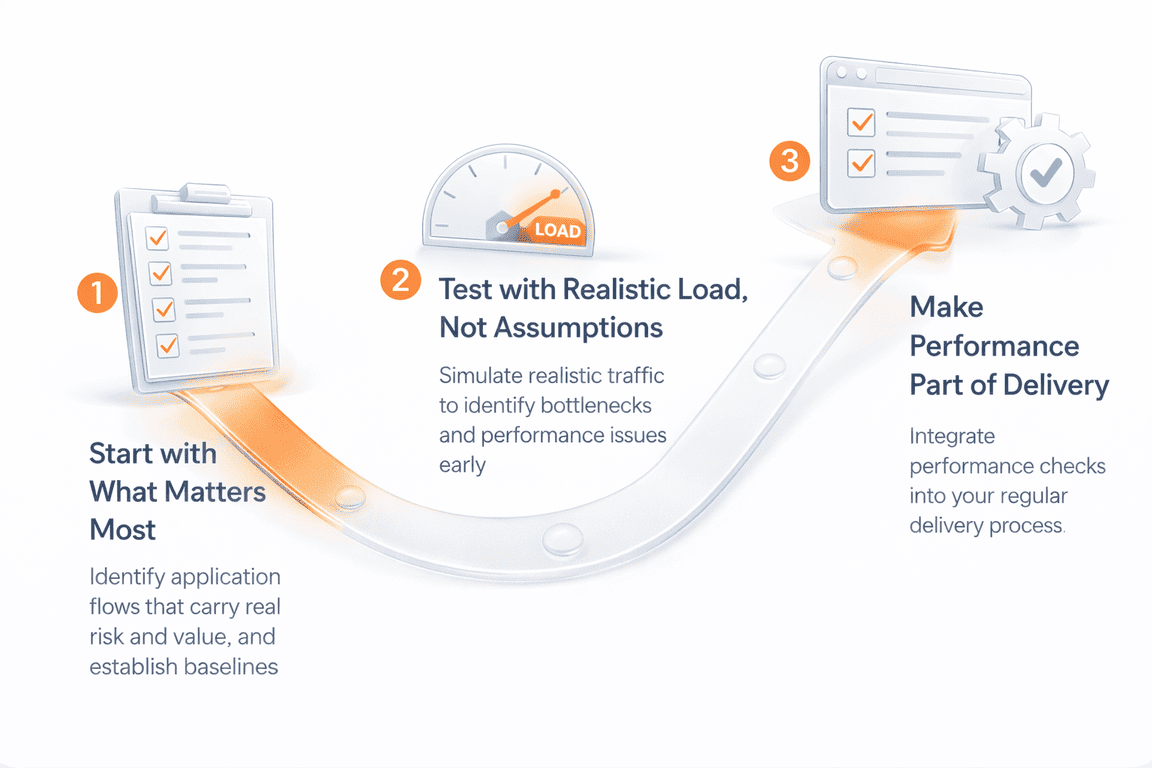
- Start with what matters most
Identify the application flows that carry real risk and business value, such as core APIs, authentication paths, data processing, or transaction-heavy operations. Establish baseline performance so you understand how the system behaves today.
- Test with realistic load, not assumptions
Simulate concurrency, uneven traffic, background activity, and integration calls that reflect real usage. Use test results to identify bottlenecks, tune configurations, and address performance issues under load before they reach production.
- Make performance part of your delivery process
Integrate performance checks into CI/CD where possible, and plan deeper load testing around major releases, migrations, or scaling events. For complex architectures, partners like PFLB can help simulate real-world load and provide clear, actionable insights.
This approach helps teams move from one-off testing to ongoing performance readiness as applications evolve.
Final Thoughts
Modern software is built from many moving parts, APIs, services, data layers, and integrations that must work together under pressure. Understanding how these systems behave as load increases is no longer optional for teams that care about reliability and user experience.
Application load testing gives teams clarity. It replaces assumptions with evidence and helps reveal limits before they turn into real-world failures. When used consistently, it supports better design decisions, smoother releases, and more predictable performance as applications scale.
The goal is not perfection, but confidence. Knowing how your application responds to real demand allows teams to plan, improve, and grow without unpleasant surprises. That confidence is what turns load testing from a one-time task into a core part of building resilient software.