
This guide compares five services that run JMeter test plans in the cloud, so you do not have to build and maintain your own load generators: PFLB, BlazeMeter, Loadium, RedLine13 and OctoPerf. They differ in who owns the infrastructure and how you pay. In their cloud offers, PFLB, BlazeMeter, Loadium and OctoPerf run the load generators for you, while RedLine13 starts them in your own AWS account. PFLB runs your existing JMeter scripts (.jmx files) in its cloud without rewriting them, within the import limits listed in its section below, and the PFLB Platform can generate an AI report for a run.
It is written for teams that already have JMeter test plans and need more load than one machine can give. We checked the vendor facts below on 7 November 2026 against the vendors' own pages (a few Loadium details against its AWS Marketplace listing, named where they appear) and link each source. We did not run load through each service for this article, so it compares what each vendor documents. PFLB makes one of the five, so read our entry with that in mind. If you are thinking about leaving JMeter instead, see our list of JMeter similar tools.
Key Takeaways
- Plain JMeter scales out by hand. The JMeter documentation says a single client on a 2-3 GHz CPU handles 1,000-2,000 threads depending on the type of test; beyond that you run distributed testing, where every machine needs the same JMeter and Java version (JMeter docs). JMeter cloud load testing moves that work to a service.
- All five services run JMeter test plans. OctoPerf also runs k6, Loadium also runs Gatling, Locust and WebDriver tests, and RedLine13 also runs Gatling and Selenium.
- Key differences are who runs the load generators, how the price is counted and what limits apply. BlazeMeter and OctoPerf publish a free entry level of up to 50 virtual users, Loadium one of up to 100 concurrent users, and RedLine13 runs on your own AWS account.
- All five mention CI/CD integration, at different depth: PFLB documents Jenkins and GitLab CI, BlazeMeter names Jenkins and GitHub, Loadium has guides for Jenkins and Azure DevOps, RedLine13 names Jenkins, and OctoPerf says it integrates with the CI/CD tool of your choice without naming one.
- PFLB is the choice when you want to keep your existing JMeter scripts and also want performance engineers to help. Its team has done performance testing since 2008.
Benefits of Cloud Services for JMeter Users
Apache JMeter, an open source project of the Apache Software Foundation, is a trusted tool for performance testing, but its real potential shines when paired with JMeter cloud load testing tools. A local setup runs into hardware limitations, complex configuration of slave nodes and slow test execution. Cloud-based solutions remove these limits and give JMeter users flexibility and scalability, especially when combined with a reliable platform for API stress tests. If you are evaluating such platforms, this API testing tools comparison breaks down the top solutions and how each performs under high load across protocols.
Here is why running JMeter on cloud load services can be a game changer for you:
As load testing increasingly intersects with data protection policies, it is crucial to use tools that ensure privacy in data lifecycle management, especially when sensitive information goes through large-scale simulations.
Top 5 Best JMeter Cloud Services in 2026
Choosing a JMeter cloud testing service can feel overwhelming, because every vendor claims to be the best. We compared the five on what matters to a team with existing JMeter test plans: whether your scripts run as they are, who runs the load generators, how the price is counted, where the load can come from, and how results and CI/CD are handled. If you also consider leaving JMeter, Gatling alternatives for more flexible load testing solutions are an option for specific scenarios.
Below are the five JMeter cloud services for 2026 with their main features and performance testing capabilities, so you can see which one fits your goals for JMeter load tests, whether you run small tests or simulate large numbers of users on cloud infrastructure.
PFLB
Best Choice for Tailored Load Testing
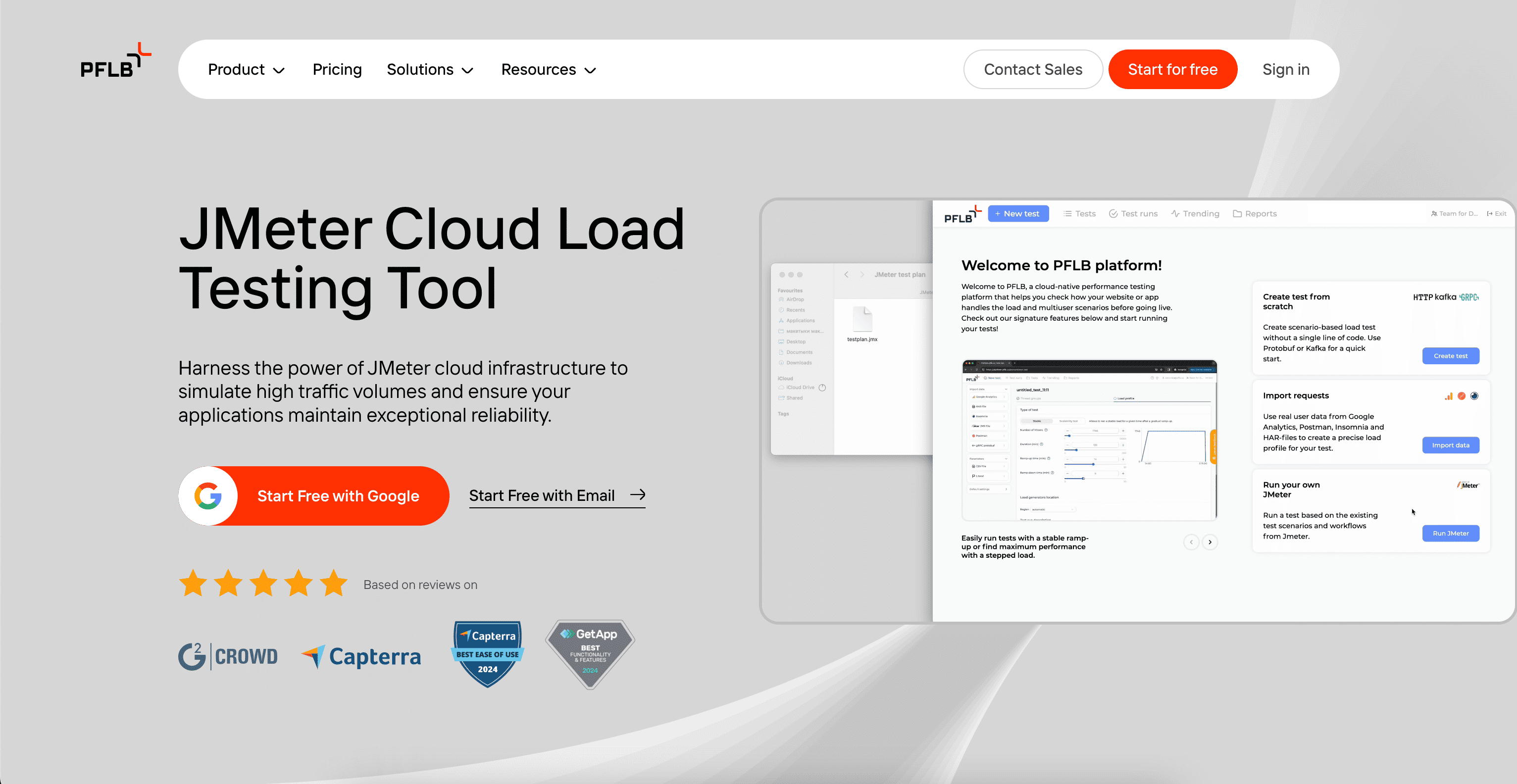
PFLB is a JMeter cloud service that runs your existing JMeter test plans. You upload a .jmx file (up to 100 MB) with its CSV and other supporting files, add the load profile and run it. In the load profile you set the number of virtual users, the ramp-up time and the duration, you can copy a container to multiply the load, and you choose a region for each container, so one imported test plan can simulate a large number of JMeter users (import docs). The company has done performance testing since 2008 and has 150+ performance engineers, so a team that needs more than a tool can get help from the same vendor.
Main features of PFLB:
- Your JMeter scripts as they are: import the test plan and its supporting files instead of rewriting them for another tool. Upload and execute JMX files without learning a new scripting language.
- Import limits to know about: a script with a plugin the Platform does not support is not imported, listeners are disabled after import, and values in timer fields and in thread group parameters must be explicit numbers, not
${param}variables (supported plugins and elements, FAQ). - Results and AI report: results appear in Grafana dashboards (PFLB JMeter cloud page), and the Platform can generate an AI report for a run (reports docs).
- CI/CD: the Platform has a REST API and documented integrations with Jenkins and GitLab CI (CI integration docs).
- Expert guidance at every step: PFLB engineers help with test design and with interpreting results, which matters when the first cloud run exposes a bottleneck rather than a tool problem.
If you want cloud load testing for scripts you already have, with engineers available when a result needs explaining, PFLB is built for that.

BlazeMeter
Top Choice for DevOps Teams and CI/CD Pipelines
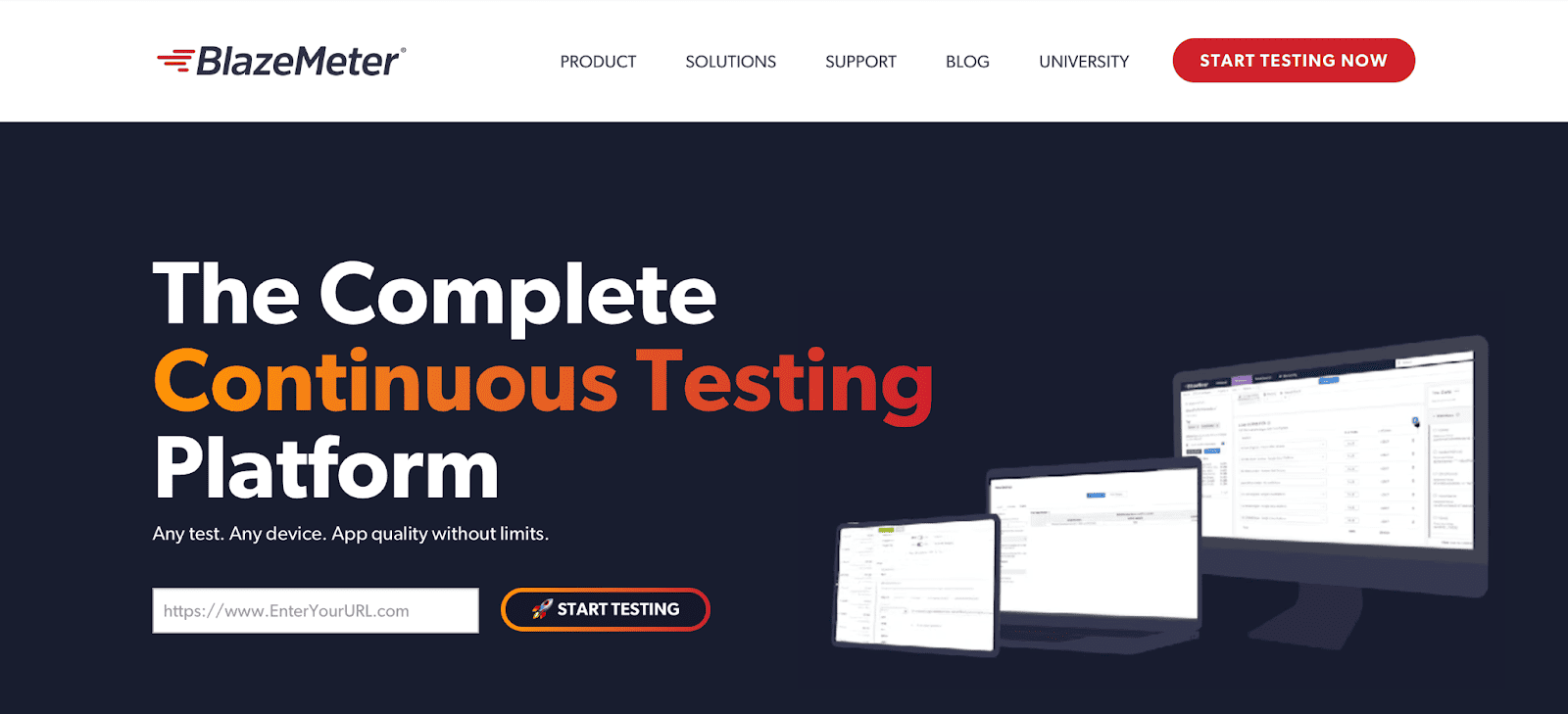
BlazeMeter is a widely known cloud-based application testing service for JMeter. Its pricing page says it "fully supports JMeter" and works with CI/CD pipelines such as Jenkins and GitHub (BlazeMeter pricing, checked 7 November 2026). Read more about Blazemeter alternatives in our article.
Main features of BlazeMeter:
- Scalability: BlazeMeter says it runs load tests with millions of virtual users across many regions, and its JMeter page names 50+ global locations (BlazeMeter for JMeter, checked 7 November 2026). The plan table shows the practical limits: the Free Starter plan allows up to 50 virtual users, 20-minute tests and 10 tests per month, and the Pro plan up to 5,000 virtual users, 5-hour tests and 20 load generators, with usage counted in virtual user hours (VUH).
- Open source compatibility: it works with Apache JMeter and other open source tools, and says it is 100% compatible with them.
- Private locations: besides its cloud, it offers on-premise load generators or private locations.
- CI/CD integration: the pricing page names Jenkins and GitHub for automated performance testing as part of the deployment pipeline.
- Test data and service virtualization: its JMeter page lists synthetic and AI-generated test data and BlazeMeter Service Virtualization, and the plan table counts virtual services (1 in Basic, 2 in Pro) (BlazeMeter for JMeter, pricing, checked 7 November 2026). We did not find either on the Loadium, RedLine13 and OctoPerf pages that we read.
Loadium
Effortless Load Testing for Modern Applications
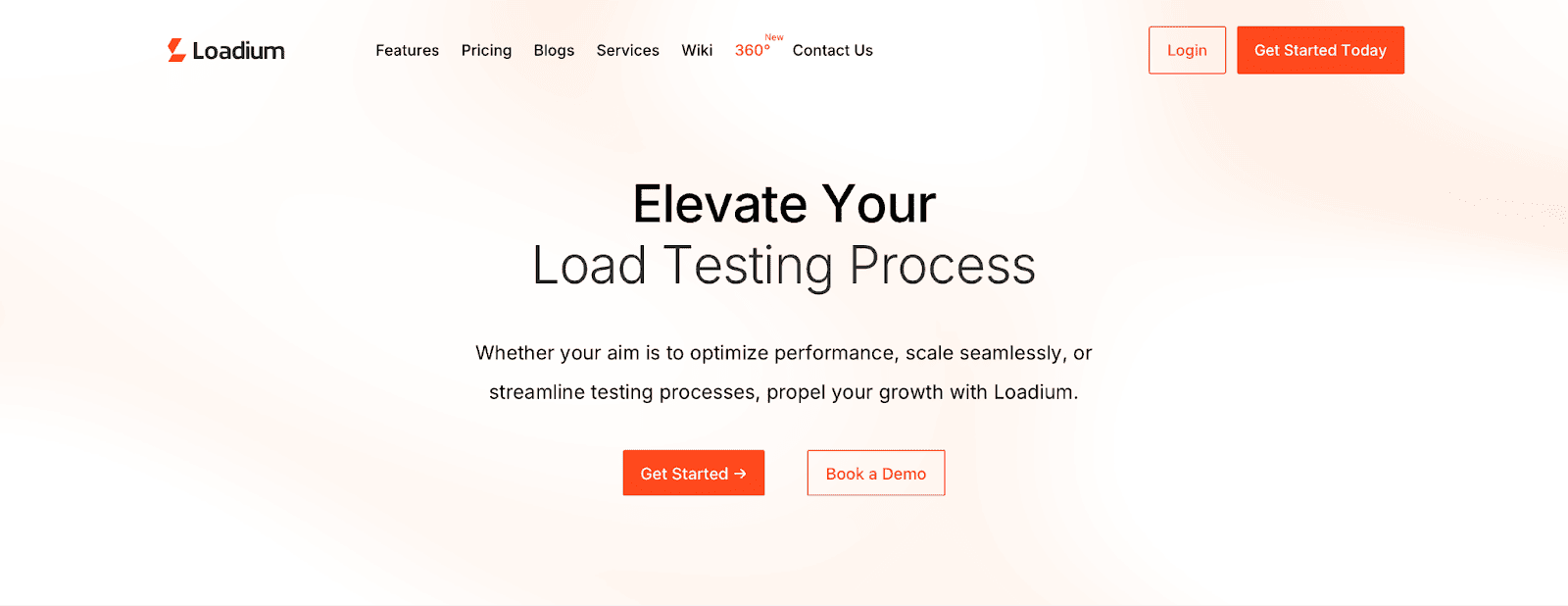
Loadium is a cloud load testing platform from Testinium, a software testing and QA company that was named a Representative Vendor in the 2026 Gartner Market Guide for Performance Testing Tools with Loadium (Testinium, 23 March 2026). Its site lists JMeter, Gatling and WebDriver tests, a script builder and reporting, and its wiki also has guides for Locust tests (Loadium, checked 7 November 2026).
Key features of Loadium:
- Free start: the pricing page lists a Free plan with 10 test runs, up to 100 concurrent users, one parallel test and tests of up to 5 minutes (Loadium pricing). The paid plans raise this to up to 1,000 concurrent users and 1-hour tests (Basic) and up to 5,000 concurrent users and 3-hour tests (Pro).
- How usage is counted: the Basic plan counts test runs (15 a month or 180 a year), while Pro counts virtual user hours (VUH), 10,000 a month or 120,000 a year. Its AWS Marketplace listing explains VUH as 1,000 users running for one hour consuming 1,000 VUH (listing).
- Load generation: the homepage says load can come from 50+ geographic locations and scale up to millions of users; the Marketplace listing names AWS, GCP and Azure. The plan comparison table on the pricing page marks Private Location Load on all four plans, and On Premise Options appear on the Enterprise plan.
- Script builder and reports: a no-code builder with script recording through a Chrome extension, which exports to JMeter format and converts Postman, HAR and PCAP files; reports have 1-second resolution and PDF export.
- CI/CD: the wiki has guides for Jenkins and Azure DevOps pipelines, and the Marketplace listing also names TeamCity.
RedLine13
Best for Budget-Conscious AWS Users
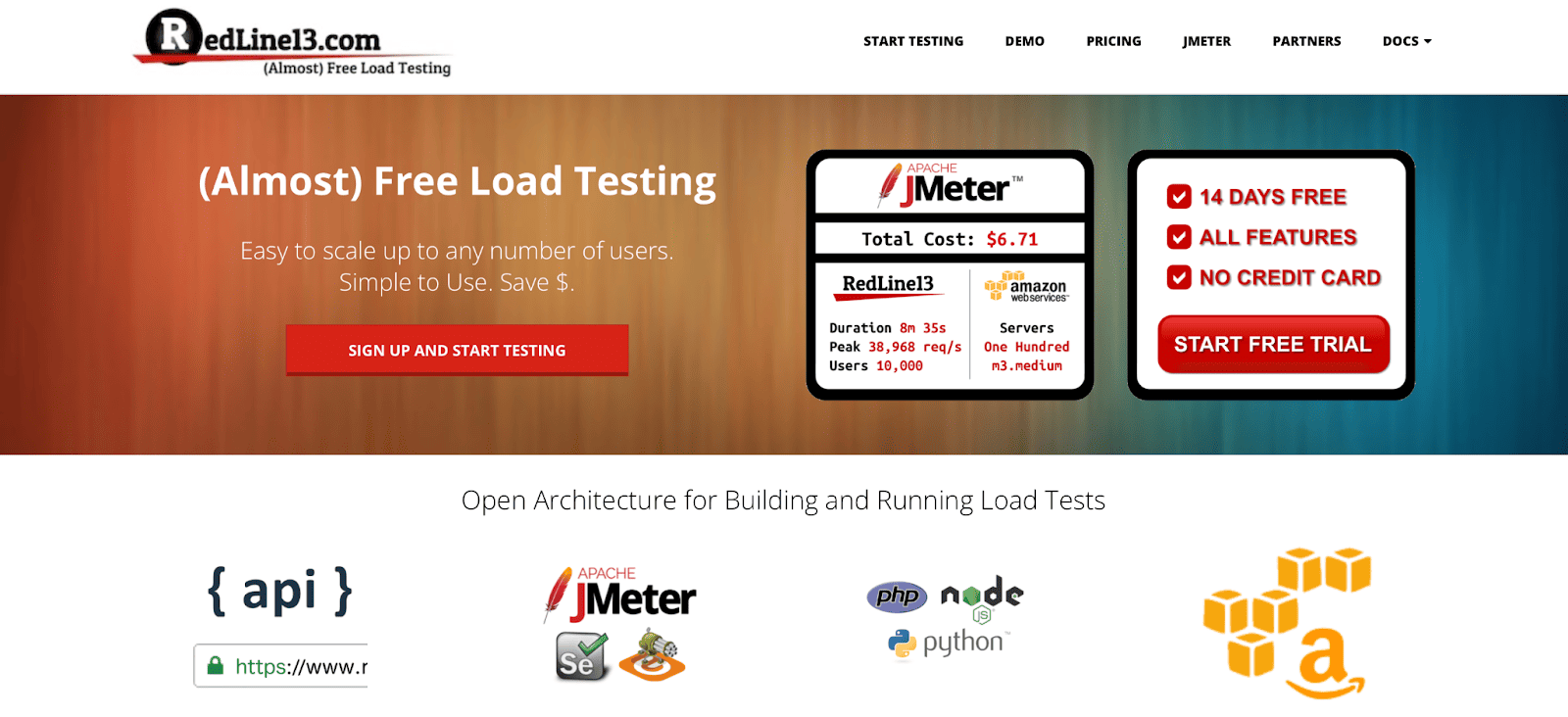
RedLine13 is a cloud load testing platform that uses Amazon Web Services. Its homepage calls itself "(Almost) Free Load Testing in the Cloud" and says you run tests in your own AWS environment, with Apache JMeter, Gatling, Selenium and WebDriver supported (RedLine13, checked 7 November 2026).
Main features of RedLine13:
- AWS integration: load generators run in your own AWS account, which gives you control over the test execution and resources. RedLine13 publishes guides for connecting your AWS account and for AWS approval of large tests (checked 7 November 2026), so plan that step before a big run.
- Scalability: the homepage says tests scale from 1,000 users to 100,000 users and even 1,000,000 users.
- Cost: because the machines run in your AWS account, the infrastructure sits on your AWS bill. That suits teams already working in AWS. Check RedLine13's own plan terms for its subscription.
- Saved tests, CI and reports: every test is saved and can be repeated with the "clone test" button. The homepage says that by integrating with Jenkins, RedLine13 completes the continuous integration process for load testing, and it describes real-time graphs and downloadable reports.
OctoPerf
Ideal for Teams Looking for an Easy, Visual Testing Experience
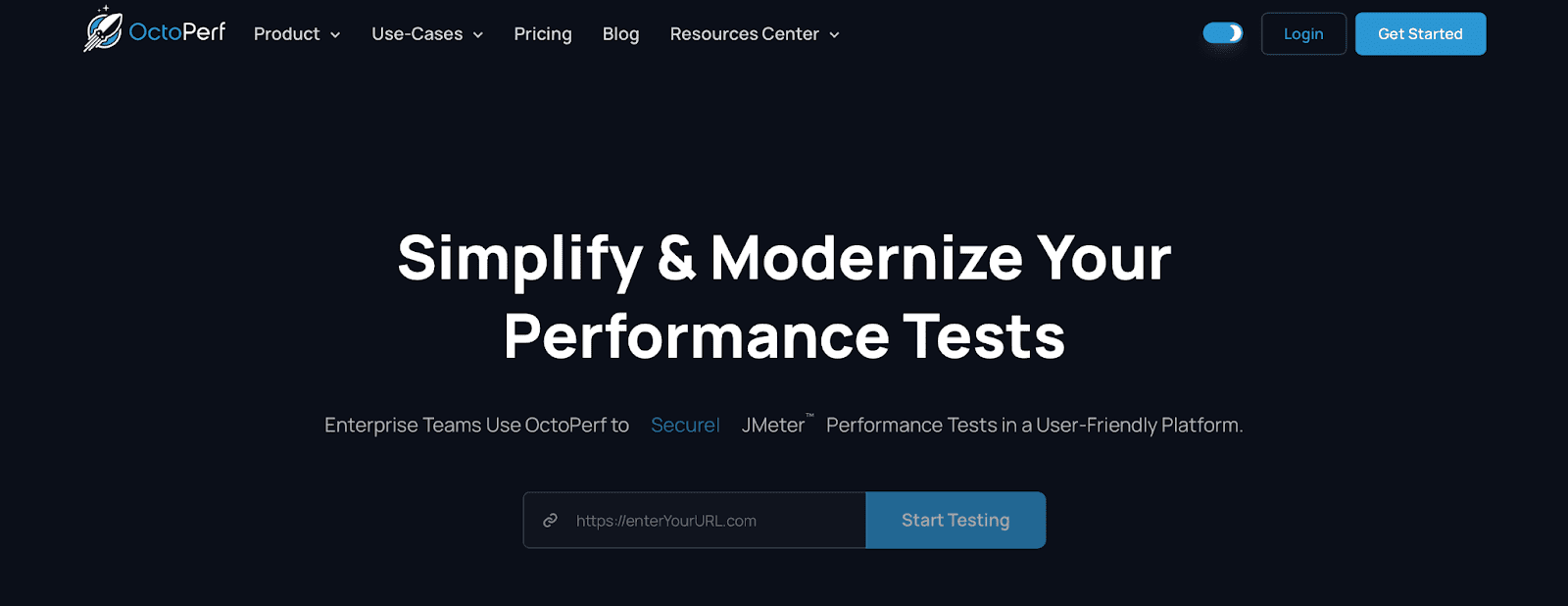
OctoPerf is built for enterprise teams that run JMeter or k6 tests. It says it is trusted by more than 1,000 enterprise customers in 34 countries (OctoPerf, checked 7 November 2026), and its pricing section covers pay-per-test, SaaS and on-premise plans.
Main features of OctoPerf:
- Pay-per-test pricing: the price is an hourly rate by the number of concurrent virtual users, with up to 50 concurrent users free (pay-per-test page).
- Cloud scale: OctoPerf says tests reach 1 million concurrent users and beyond, with auto-scaling load generators and regions on AWS, Azure and Digital Ocean (cloud solution).
- Visual editing: its JMeter page describes drag-and-drop editing of script elements, and every script can be exported as a
.jmxfile (OctoPerf for JMeter). - On-premise option: besides the SaaS cloud, it has an on-premise option with agents you install yourself.
- CI/CD: its JMeter page describes integrating OctoPerf with your favorite CI/CD tool and adding SLAs, and its cloud page says the same about scaling tests from a CI/CD tool of your choice (OctoPerf for JMeter, cloud solution, checked 7 November 2026). Neither page names a specific tool.
- JMeter and k6: one platform for both open source tools, which helps teams that run both.
Why PFLB is the Ultimate JMeter Cloud Service
All of these cloud-based load testing tools for JMeter fit different needs. Choose BlazeMeter if you also want generated test data and service virtualization in the same product, RedLine13 if you want the machines in your own AWS account, OctoPerf if you want hourly pay-per-test pricing for JMeter or k6, and Loadium if you want to start free with up to 100 concurrent users and pay by test run before you move to VUH. Choose PFLB if you want to upload the JMeter scripts you already have, run them in a managed cloud with Grafana dashboards, generate an AI report for a run, and have performance engineers help with test design and results. PFLB's managed platform and support make it easier to run large tests without owning load generators.
Whichever service you shortlist, run one of your heaviest test plans on it before you decide. First note what the plan depends on: its thread group settings, ramp-up period, loop count and test data files, so that each service gets the same load. Then check that every JMeter plugin the plan uses is supported, that the load profile fits the plan limits, and that you can compare results between runs. Start with a small first test to confirm the HTTP requests return valid responses, then raise the load in steps, because large tests may need approval or extra capacity from the provider or from AWS. Then change the profile: a stress test keeps adding users until errors appear, a spike test jumps the user count within seconds, and an endurance test holds a steady load for hours. When a run finishes, analyze results: compare response times and error rates across test runs and look for performance bottlenecks in your web application rather than in the load generators. That one trial tells you more than any feature list.