
Tag: SoftwareTesting
-
Performance Testing for Massive Bank Systems: Our Experience

PFLB has recently started testing a large-scale banking system. It was extremely difficult to organize a well-established testing process, so we’re sharing our ideas for you not to reinvent the wheel.
11 min read -
Automating Performance Testing Results: Best Practices. Part 3
In Part 1 of this tutorial, we had a close look on how to update your load testing environment to make load testing results automation possible. Instead of preparing your load testing report manually for days, with the environment discussed above, your data structure will depend on you, not you on your data structure. In Part 2, we’ve tackled a problem that engineers in every load testing company complain about, — namely, how Grafana slows down the system, — and several other quick fixes to your Grafana dashboards. We plunged into multiple databases and data sources, retention policies and tag filters. Finally, in this part we want to enable you to automate your test reports using all the infrastructure you have hopefully designed after reading through parts 1&2.
9 min read -
Testing Environment in the Project Lifecycle
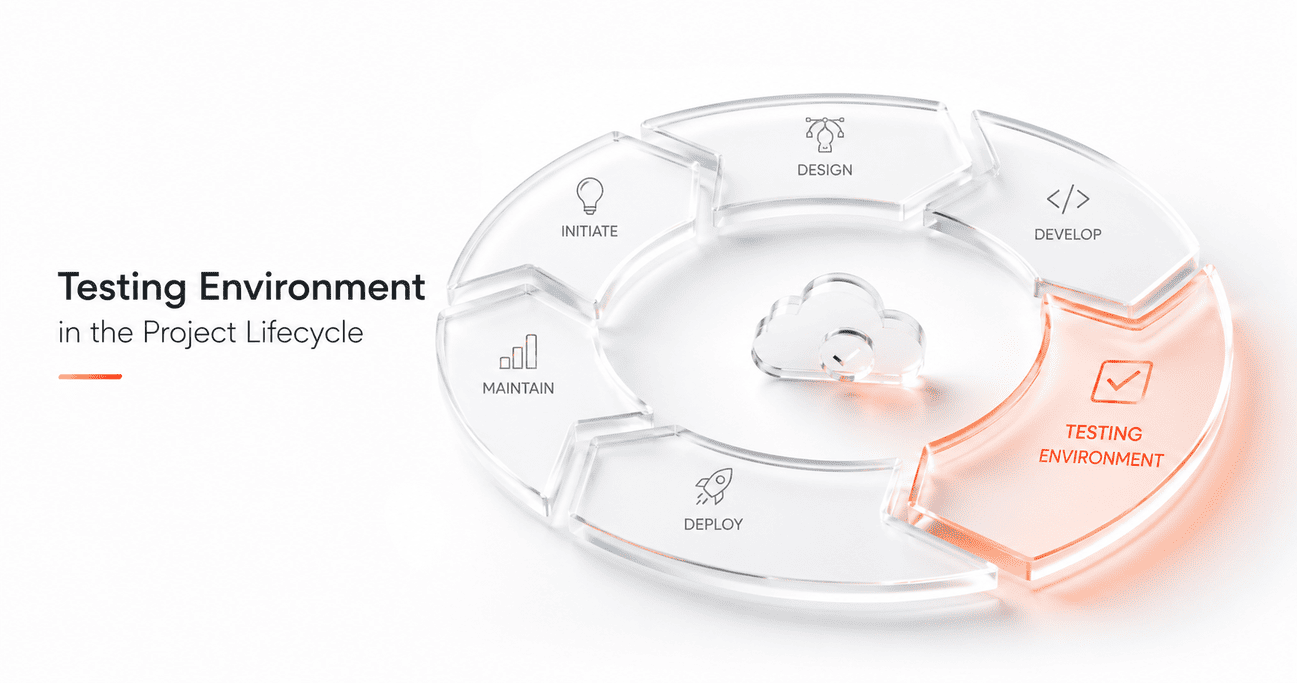
To launch a product, you often need several testing environments. But why? Why pile up equipment, overload engineers with tasks, and hire more staff? Is it really inevitable? We will take a closer look at this problem below, but trust us, it is.
6 min read -
Automated vs Manual Mobile App Testing: Do You Need Both?

Software testing is a crucial part in creating a successful project. By assessing every facet of the product, a developer will know if the code meets business requirements. It’s through the testing that companies increase user tolerance and improve the performance of their apps. Having said that, testing is only as beneficial as it is efficient. There are two main approaches to testing – manual or automated. Both are critiqued and advocated all over the web, so choosing the one to fit your project is not an easy task. In this post, we’ll give you a brief rundown on the difference between them, their respective pros and cons, and the ways developers can take advantage of both.
10 min read -
Automating Performance Testing Results: Best Practices. Part 2

In this part, let’s tackle a problem that engineers in every load testing company complain about, — namely, how Grafana slows down the system, — and several other quick fixes to your Grafana dashboards.
8 min read -
Automating Performance Testing Results: Best Practices. Part 1
In this article, we start with a major topic, and then, in the following parts, we’ll go deeper into super-hardcore stuff. Test reports automation is the way to optimize testing costs and make performance testing more affordable. By cutting the cost, you will also be able to attract smaller businesses as customers. Good news: test reports automation is possible with the help of such popular tools as Grafana and InfluxDB, that all testers are already familiar with, to say the least.
10 min read -
PFLB Rated Number One in Goodfirms

We are happy to share great news: PFLB was rated number one in Goodfirms rating among Software Performance Testing companies. The rating is based on reviews and evaluation by members of international IT and business society. We are the first among Load testers, too!
2 min read -
SAP Load Testing for X5 Retail: Case Study

There are few companies in the IT systems quality assurance market that have expertise in SAP testing, but PFLB is one of the few that do. Over the years, our specialists accumulated experience in retail that came in handy when helping X5 Retail, a major food retail company worth $16 billion, to support their internal IT systems. We started with SAP platform deployment, established testing processes in the retail giant’s systems, and maintained contact for more than 10 years.
7 min read
Let us know
about your needs
We can provide multiple performance testing services and a lot more than that if the situation needs a far more complex approach.
You’ll hear back from our tech account manager in one day if not sooner